A controlled digital dental workflow from scan to restoration
ISDL reviews clinical data before CAD design so missing information can be identified early.
The scan is one part of the clinical record
Prescription, scans, photographs and timing must describe the same clinical objective.
A digital dental laboratory needs more than an STL file. The prescription, upper and lower scans, usable bite registration, preparation and margin visibility, photographs and material information must describe the same restorative objective.
At intake, ISDL checks whether the data can support design. Missing or contradictory information is returned to the practice before CAD work begins, which keeps the discussion focused on decisions that can still be changed.
- Preparation and margin visibility
- Complete antagonist and bite information
- Consistency between prescription and files
- Photographs and shade information for aesthetic cases
Resolve uncertainty before manufacturing
A fast digital transfer should not accelerate a case past an unresolved question. Early controls reduce avoidable remakes and keep communication focused on clinical decisions.
Receive
Files and documents are associated with the prescription.
Inspect
Data quality, occlusion and visible constraints are reviewed.
Design
CAD follows the indication and agreed restorative parameters.
Validate
Design views or intermediate stages are shared when required.
Controlled production, human finishing
Machining and digital tools provide repeatability. Surface morphology, texture, colour and final control remain deliberate laboratory stages.
The completed restoration is checked against the prescription and the documented decisions before dispatch.
The connection is tested before a regular workflow is promised
Scanner brands and export routes do not all provide the same access or file structure. During onboarding, the practice identifies its scanner model, export options and the records normally attached to a case. ISDL then confirms the suitable transfer route.
The objective is a repeatable cabinet-to-laboratory process: consistent naming, complete records, defined validation checkpoints and a clear contact person on both sides.
Intraoral scan intake
Preparation, antagonist, bite and case identifiers reviewed together.
CAD design
Restorative parameters and the prescribed material applied to the design.
Aesthetic documentation
Photography and shade communication connected to the digital record.
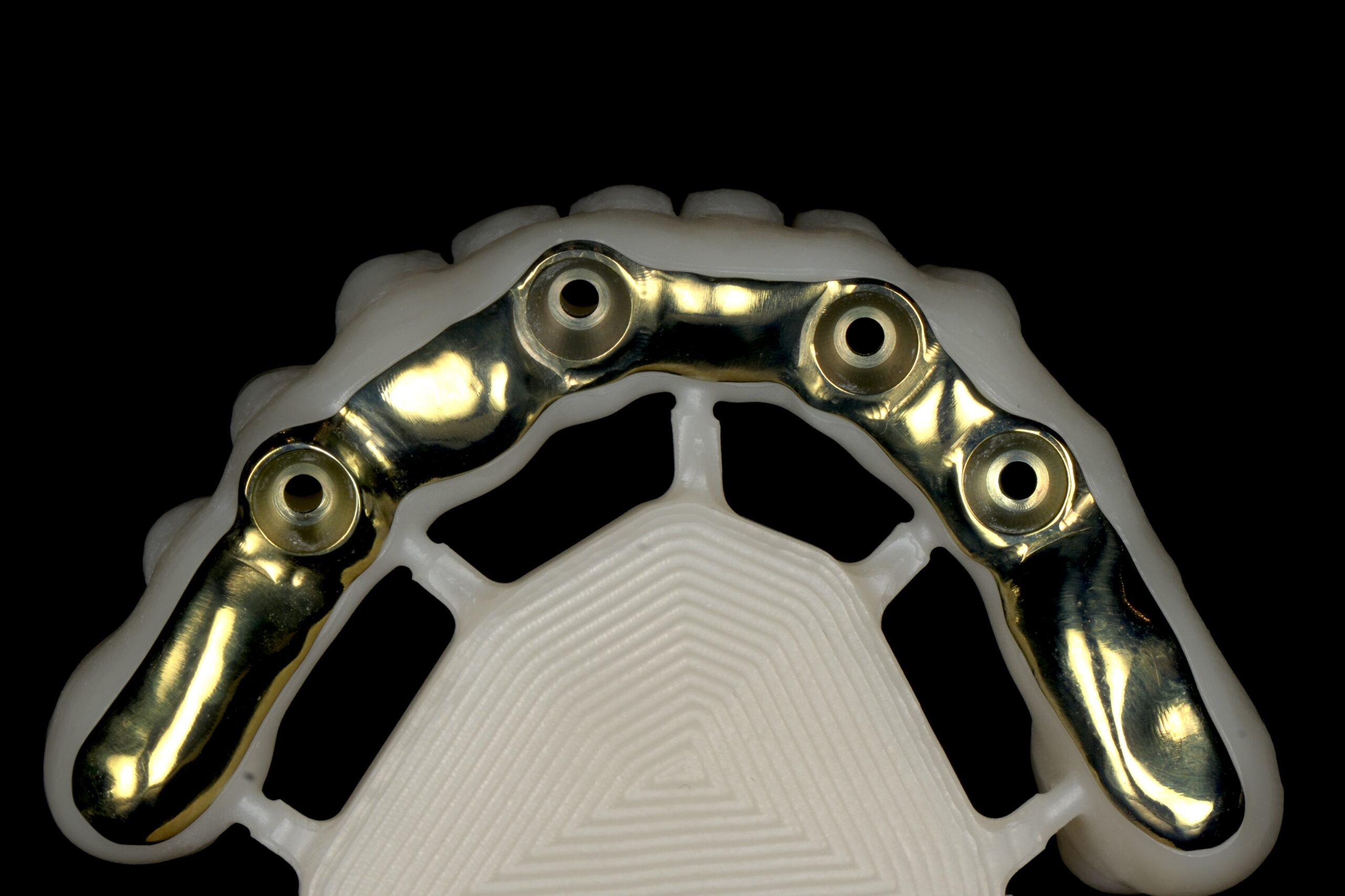
Implant data
Component references and validation requirements checked before design.
Digital transfer shortens distance only when the complete process is clear
A practice outside Algeria can present its scanner and intended case types before sending patient files. Communication, validation, timing, transport and invoicing conditions are confirmed separately before any production is accepted.
ISDL uses a controlled first-case process rather than promising universal compatibility. This protects both the clinical schedule and the quality of communication.
Digital dental laboratory and CAD/CAM questions
Which intraoral scanner files can ISDL receive?
Compatibility depends on the scanner and export route. Provide the scanner model and available formats so ISDL can confirm the suitable connection.
Are photographs required with digital scans?
They are important for aesthetic cases because scans describe geometry while photographs provide colour, texture and facial context.
Does ISDL start CAD design when information is missing?
No. A question affecting the restoration is clarified with the dentist before the design progresses.
Can an overseas practice test the digital workflow?
Yes. A limited first-case process can be reviewed after technical compatibility and practical conditions are confirmed.
Connect your scanner workflow to ISDL
Send your scanner model and the case types you plan to submit.